Designing and assembling drawers has clear rules. Here are 15 practical points, ordered from the most important setup decisions to workshop details that save time, nerves, and material:
Start with the correct cabinet dimensionsFirst decide whether you are entering the outside cabinet size or the clear inside opening. The calculator can handle both. If you already know the inner opening, set cabinet material thickness to 0 so the side panels are not deducted twice.
Exact internal width (LW)With undermount slides, every millimeter counts. Always measure the internal width (LW) after assembling the cabinet. If you are off by more than 1 mm, the slides will rub or won't click in at all.
Installing Blum for the first time?If you are working with undermount slides for the first time, download the original PDF manual for or . You will find all the mounting dimensions there.
TANDEM vs. MOVENTOTANDEM is a solid base for standard drawers and mainly gives height adjustment. MOVENTO is a more precise and more comfortable solution with higher load options and 4D adjustment. For wide, heavy, or highly visible drawers, MOVENTO usually makes more sense.
Drawer material thicknessPay attention to the material. Blum hardware is mainly designed for drawer side thickness from 11 to 16 mm. With classic 18 mm melamine, you must narrow the bottom and rout the sides from below, otherwise you won't be able to attach the slide.
Overlay vs. Inset frontAn overlay front covers the cabinet edges and hides small inaccuracies more easily. An inset front sits flush with the cabinet edge. It looks cleaner, but needs a precise square cabinet and well-controlled gaps.
Gaps between frontsA common front gap is 2 to 3 mm. Too small a gap shows every inaccuracy and fronts may rub. Too large a gap looks cheap. The calculator already includes these gaps when it divides the front heights.
Card trick for mounting frontsA workshop trick: take an ordinary deck of playing cards, place it in the gap, split it exactly in half, and use it on the left and right, or top and bottom. It helps center the front nicely without complicated measuring.
Choosing the slide lengthSlides come in standard lengths, usually in 50 mm steps. If your depth is atypical, choose the nearest shorter slide. The drawer with the slide must remain shorter than the clear internal cabinet depth so it does not hit the back.
Classic ball-bearing slidesClassic ball-bearing slides are mounted on the drawer side and need an accurate side clearance, typically 12.7 mm on each side. If the drawer is wider, it rubs. If it is narrower, it may have play or fall out.
Individual front and box heightsIf one drawer needs to be taller, enter its front or box height manually. The calculator redistributes the remaining space automatically. This is useful for a deep bottom drawer with smaller drawers above it.
How to maximize capacityWith overlay fronts, there is dead space under the drawers. Normally, inner boxes are made the same height to stay interchangeable. If you extend them downward, you gain maximum storage. This calculator can calculate it in the Expert settings.
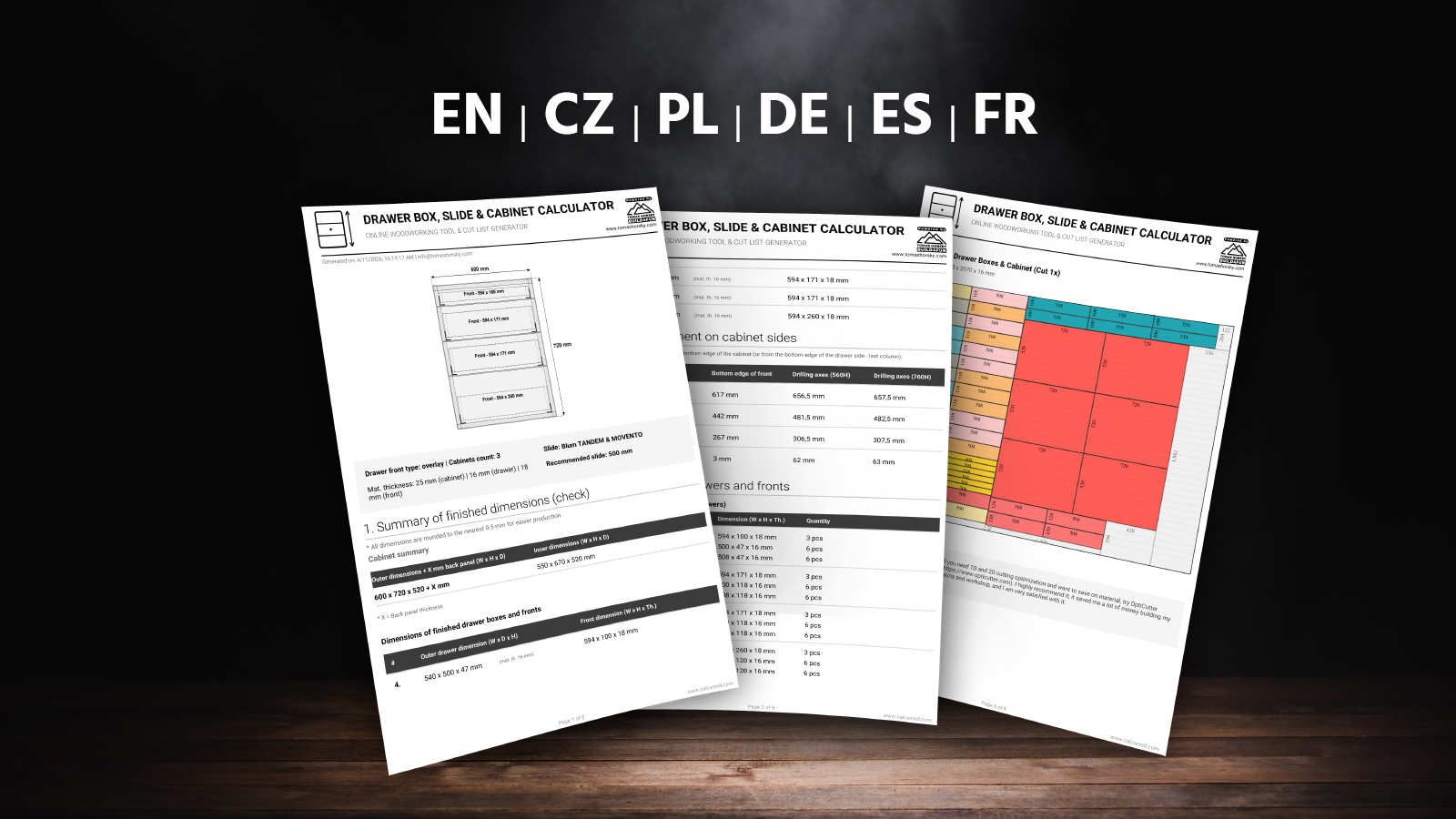
Cut list and cabinet quantityIf you are building several identical cabinets, use the cabinet multiplier. The cut list will then calculate all parts for all sets at once. This is more accurate for ordering boards, edge banding, and slides.
Edge banding and wood grainFor fronts, count with edge banding all around. For drawer boxes and cabinets, usually only visible edges matter. The calculator can use smart edge deduction and keep grain direction on fronts so the decor does not look like random offcuts.
Large and heavy drawers?For large drawers used for pots, tools, or supplies, choose higher load slides such as 40 kg or 70 kg. But the drawer construction must also carry the load, especially the bottom. You can check deflection in my .

 PRO FEATURES ARE LOCKED


Ratings & Reviews